
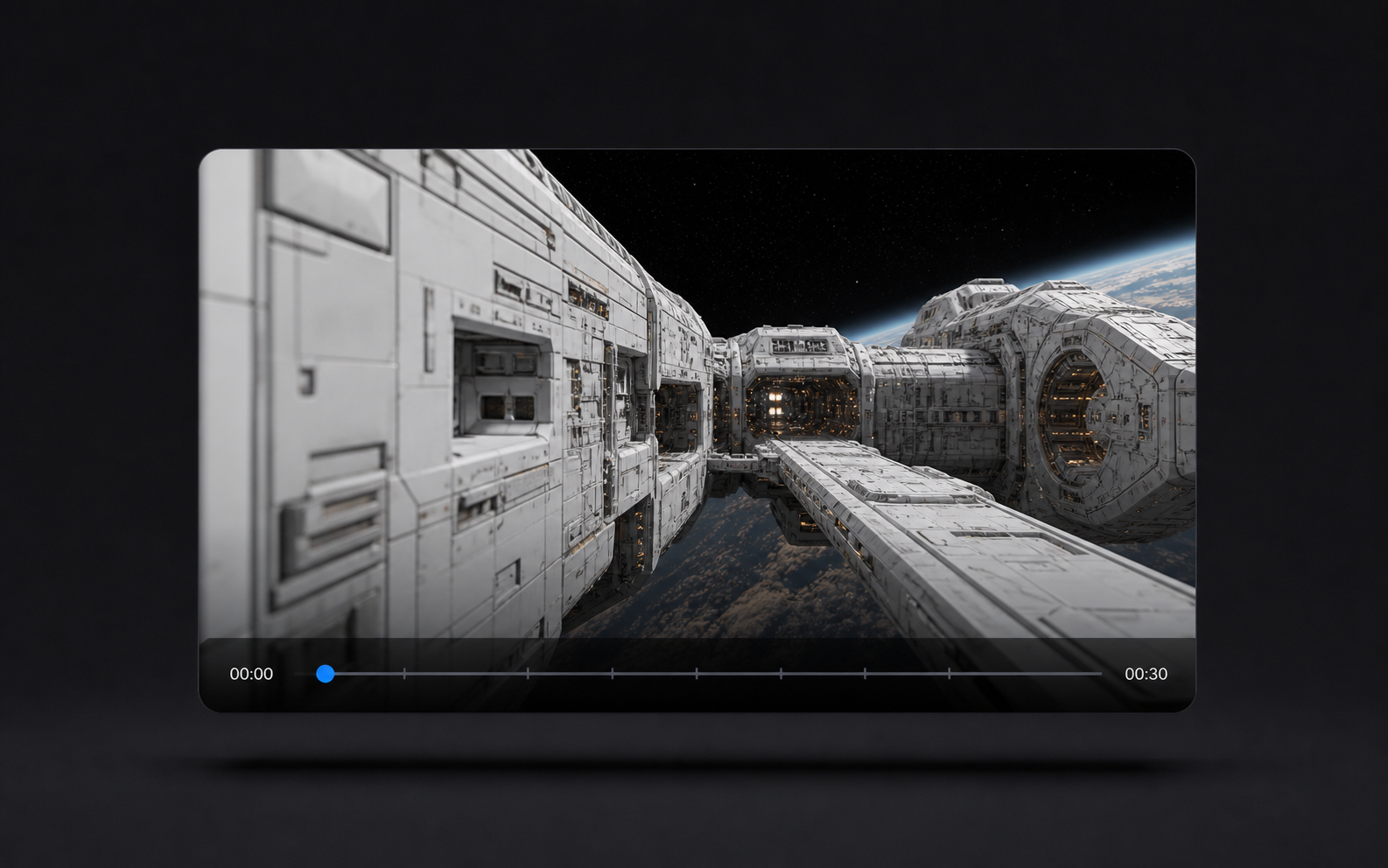
Up to 30 seconds
Seedance 2.5 gives the scene room to breathe
Use Seedance 2.5 planning to give advertisements, explainers and narrative moments enough time to develop, move and resolve in one coherent clip.
Seedance25Video.app
More time for the story
Create cinematic Seedance 2.5 video briefs with clearer direction, longer scene planning and reference-led control.
The 30-second, 50-reference and local-edit capabilities below reflect announced Seedance 2.5 preview information. seedance25video.app is an independent integration platform, not the official Seedance 2.5 website, and availability may vary by connected model.
Start a Seedance 2.5 workflow from text, images, camera notes and story beats. The generator currently uses Seedance 2.0 for text-to-video and image-to-video creation, and your plan can also unlock supported image and video models across the platform.
Loading...
⏱ ⏱ Generation takes ~5–9 min per video. You can browse other tabs while waiting.
480p: 6 credits/s · 720p: 12 credits/s
Up to 30 seconds
Use Seedance 2.5 planning to give advertisements, explainers and narrative moments enough time to develop, move and resolve in one coherent clip.
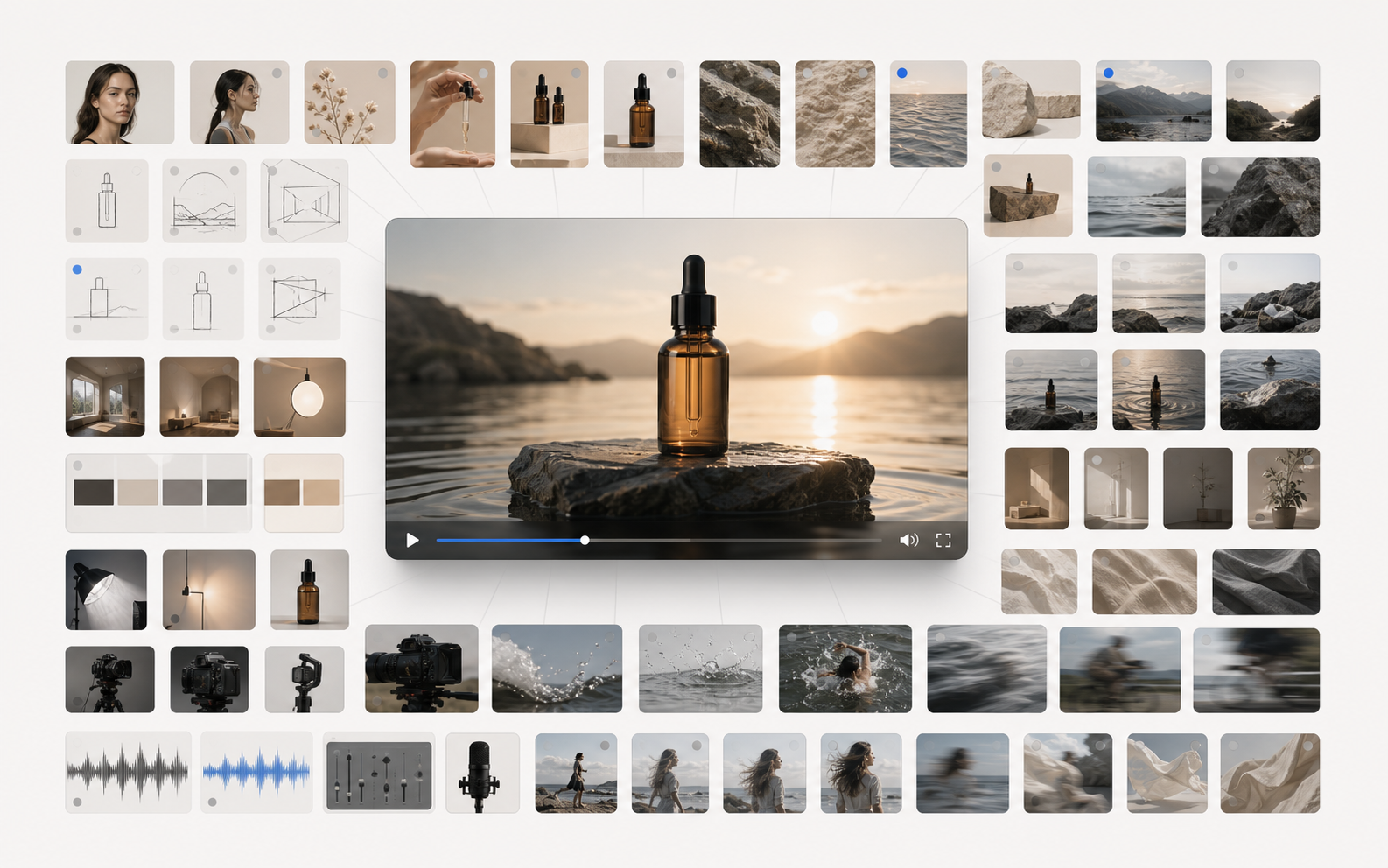
Up to 50 references
Guide a Seedance 2.5 brief with identity, product, location, motion and tone from a focused set of image, video and audio inputs.
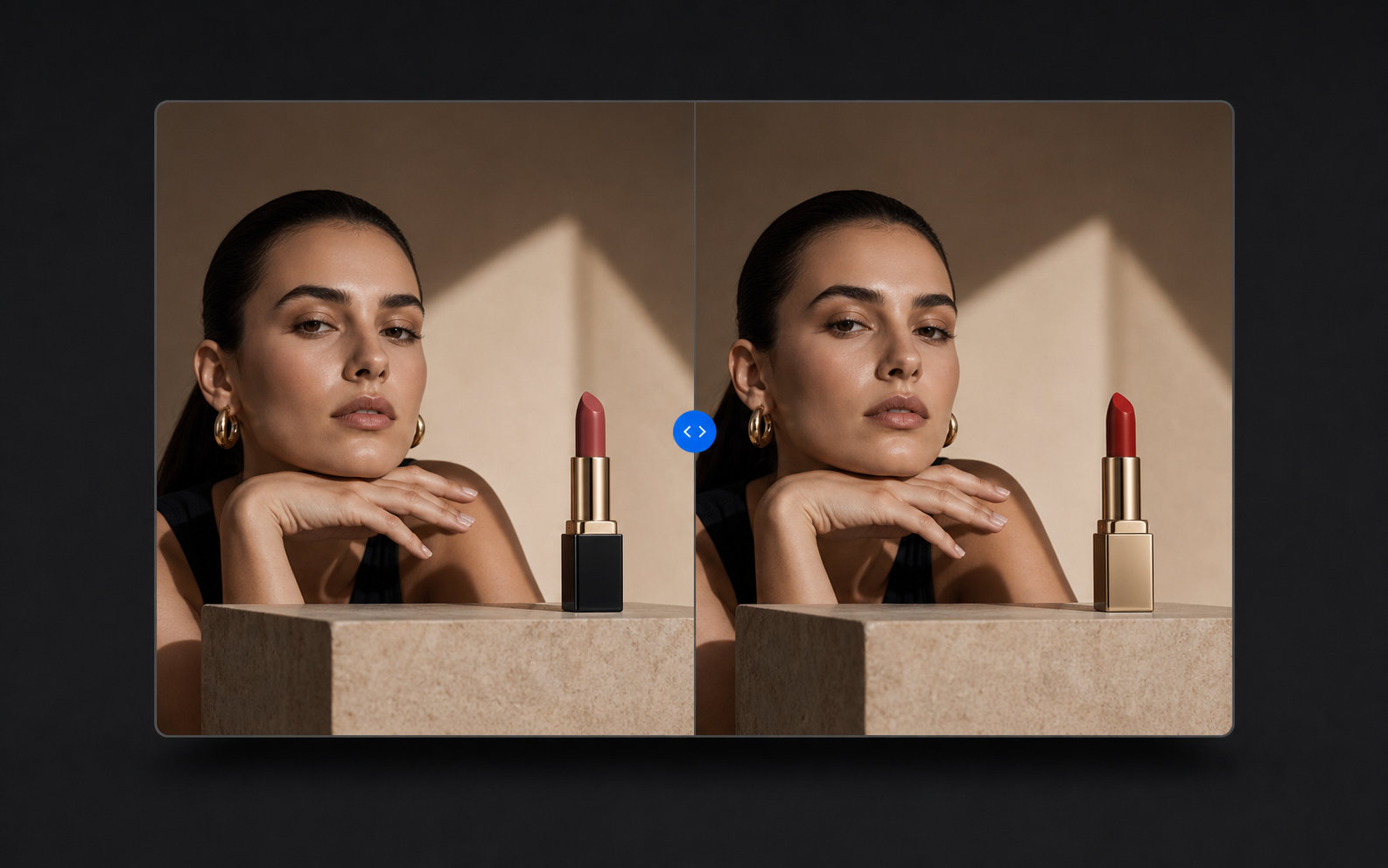
Local video editing
Use Seedance 2.5 local edit planning to replace a product, background or subject while keeping the wider composition and visual direction stable.
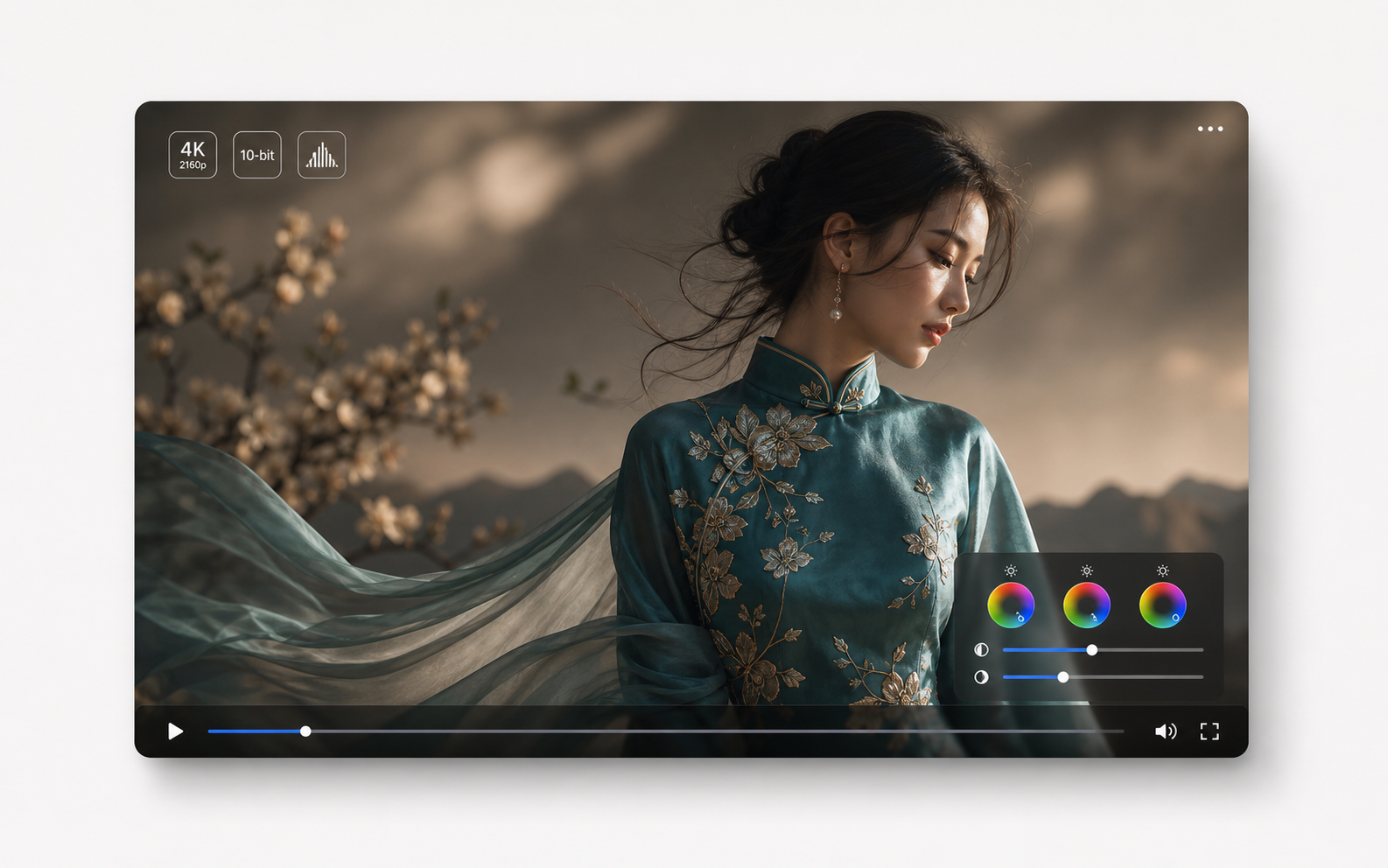
4K / 10-bit
Aim for source-level detail in hair, embroidery, fabric texture, product surfaces, and color range instead of relying only on upscale sharpening.
A focused set of Seedance 2.5 commercial, narrative and motion examples built around practical creator workflows.
Use product shots, portraits, or style frames to guide identity, lighting, color, composition, and motion in Seedance 2.5 drafts.
Test hooks, camera moves, aspect ratios, durations, and story beats quickly before committing budget to editing, production, or media buying.
Plan establishing shots, close-ups, reactions, transitions, and sound cues around the same characters and scene logic.
Create multilingual product manuals, embodied-AI training clips, and rare autonomous-driving scenarios such as extreme weather or unusual roads.
Start with the homepage generator for a quick image or video draft. When a project needs references, branching, layers and Agent planning, continue in Studio.
Way 01 · Homepage generator
Best for turning one idea into a first image or video draft before moving into a larger project.
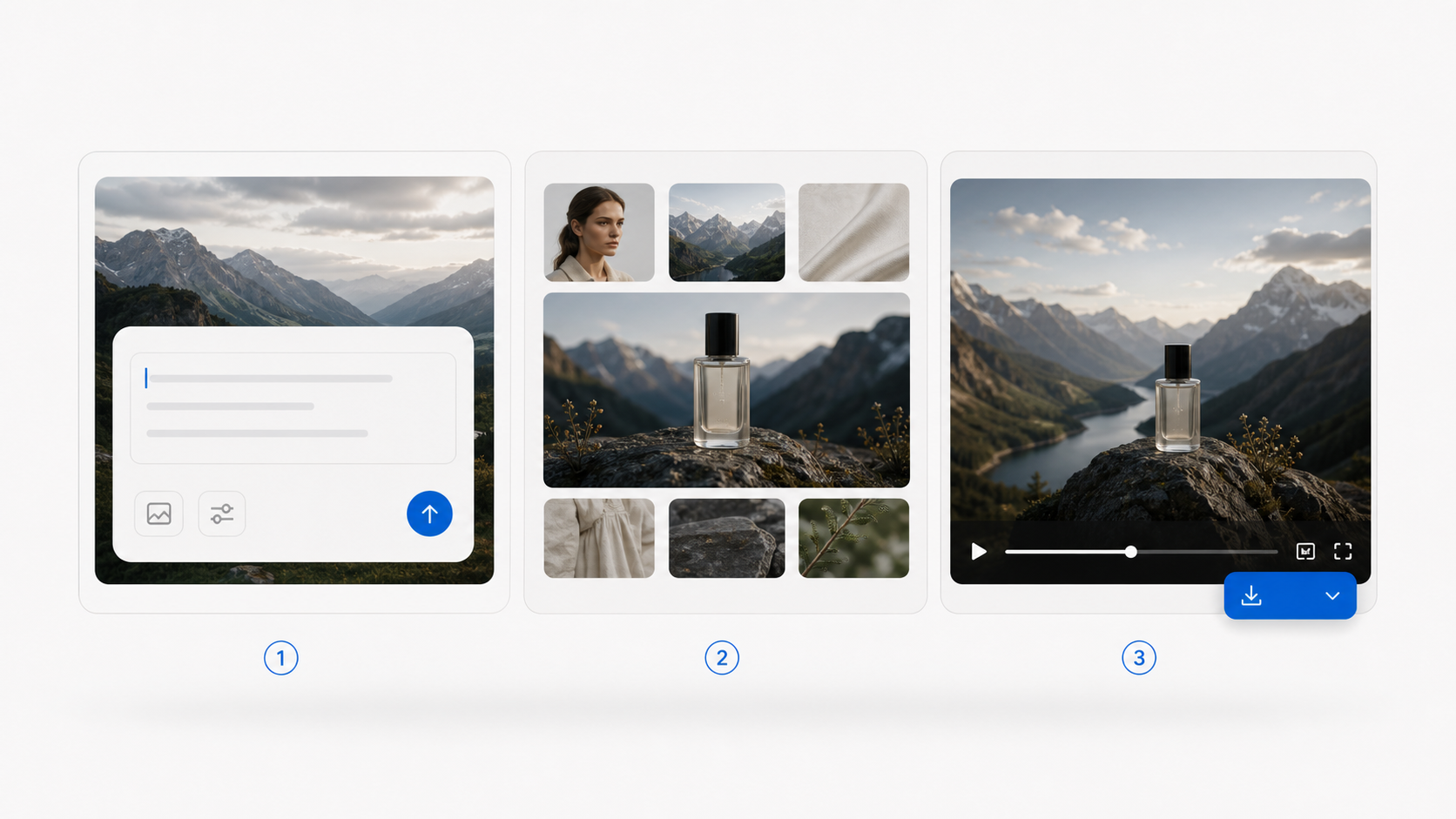
Use the homepage generator for a fast image or video draft.
Upload only the images or notes the scene needs.
Review the result, refine the prompt and export.

Way 02 · Studio canvas
Search for references in Explore, send them to an infinite canvas, and keep source images, generated images, videos and branches connected as a visible creative chain. Discuss direction with Agent, expand the idea, then continue into image or video generation.
Flexible plans to generate high‑quality Artworks with Seedance 2.5 credits. Choose monthly, annual or one‑time packs—no extra charges.
Built for professional creators
Billed annually ($179). Save 25% vs monthly
For light and occasional use
Billed annually ($89). Save 25% vs monthly
For high-volume production
Billed annually ($449). Save 25% vs monthly
For teams and commercial workflows
Billed annually ($721). Save 30% vs monthly — Best value for teams
Answers about Seedance 2.5, current model access, shared plans, API integration and our relationship to the official Seedance 2.5 provider.
No. seedance25video.app is an independent AI creation platform. We are not the official Seedance 2.5 or ByteDance website; we integrate supported model APIs through our own interface.
Seedance 2.5 is useful for turning prompts, images, camera notes, motion direction and story beats into structured short-form video briefs for ads, social clips, product demos and cinematic scenes.
A plan on our platform can be used across supported models, including image models such as GPT Image 2, Nano Banana, Nano Banana 2 and Nano Banana Pro, plus video models such as seedance 2.0, veo 3.0, veo 3.1 and kling 3.0. Availability and credit costs vary by model.
Yes. Start from a text prompt or upload an image reference, then add subject, motion, camera, lighting, aspect ratio and audio notes. The current homepage generator uses Seedance 2.0 while the page explains the Seedance 2.5 workflow and expected capabilities.
Yes. A stronger Seedance 2.5 brief can include reference images, product details, character notes, scene order, camera moves, pacing and sound direction so the model receives a clearer creative plan.
You buy one package on our platform and spend credits on the model you choose. Higher-cost video models may use more credits than image models, so the final cost depends on model, duration, quality and generation mode.
Commercial use depends on your plan, source materials, model provider rules and local law. Before publishing Seedance 2.5 or other model outputs, confirm permissions for brands, likenesses, music, trademarks and uploaded references.
Give every Seedance 2.5 story room to move.